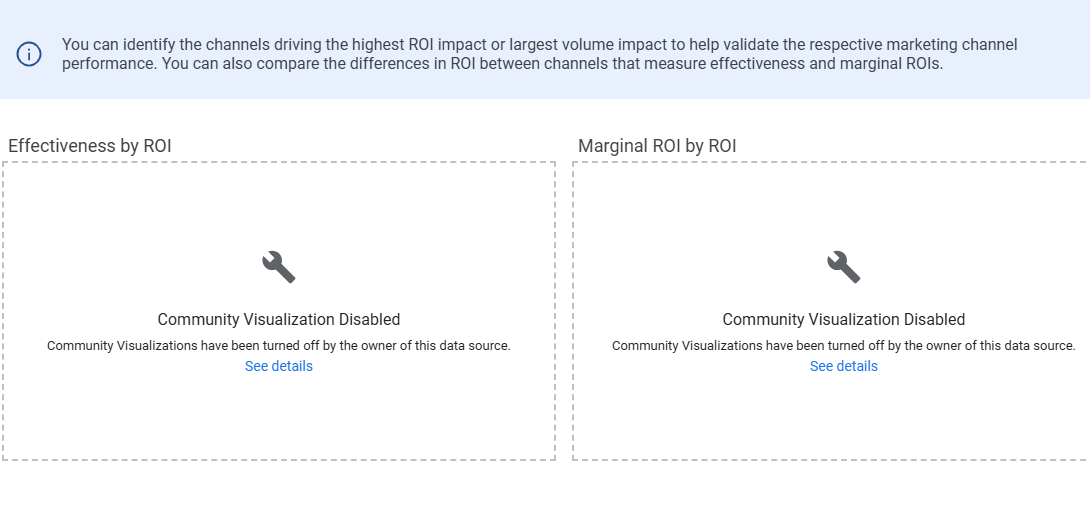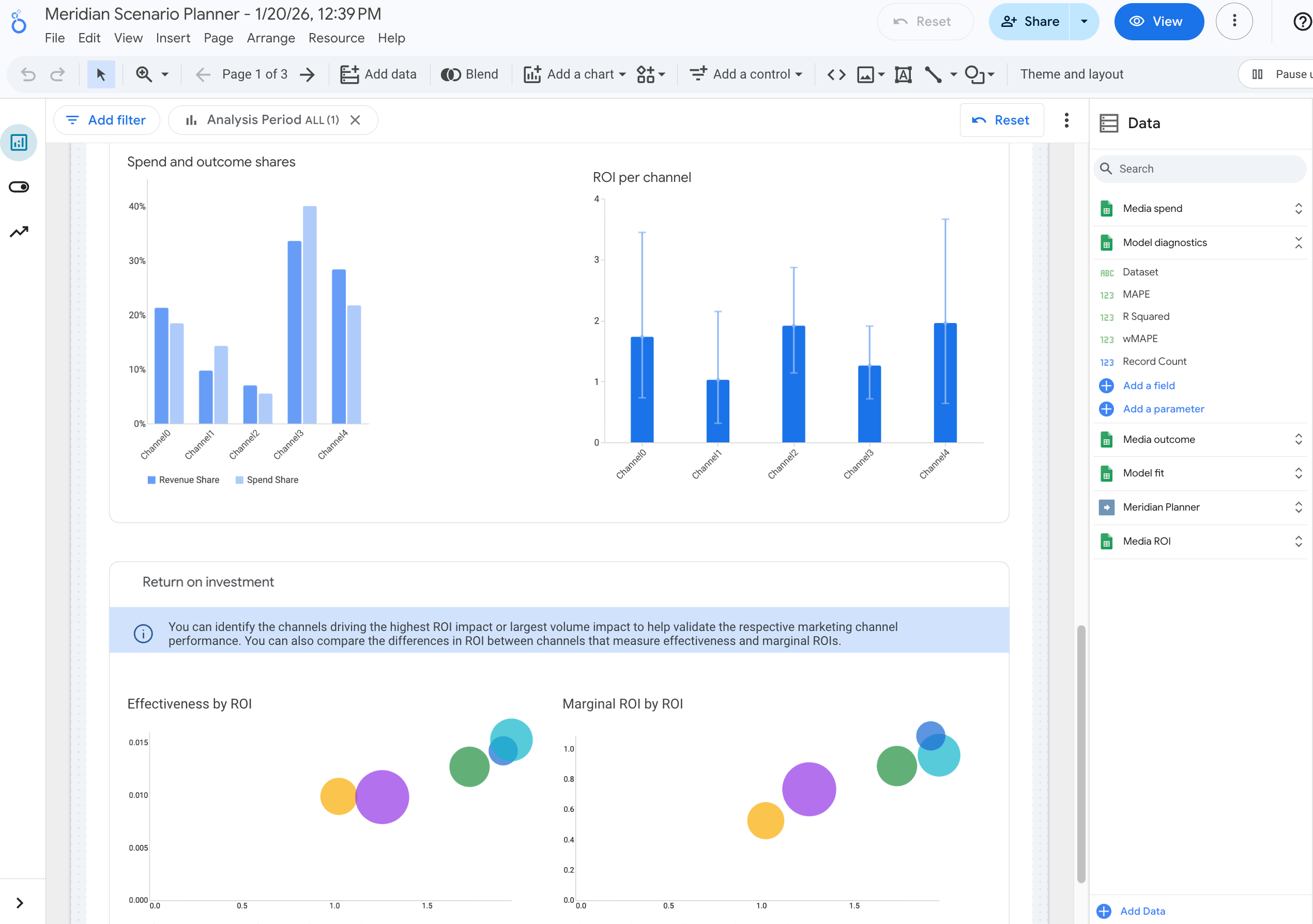
My visualization chart is not appearing. Instead, it says, "Community Visualization Disabled"
The issue is because the report hasn't been saved yet. Follow the instructions:
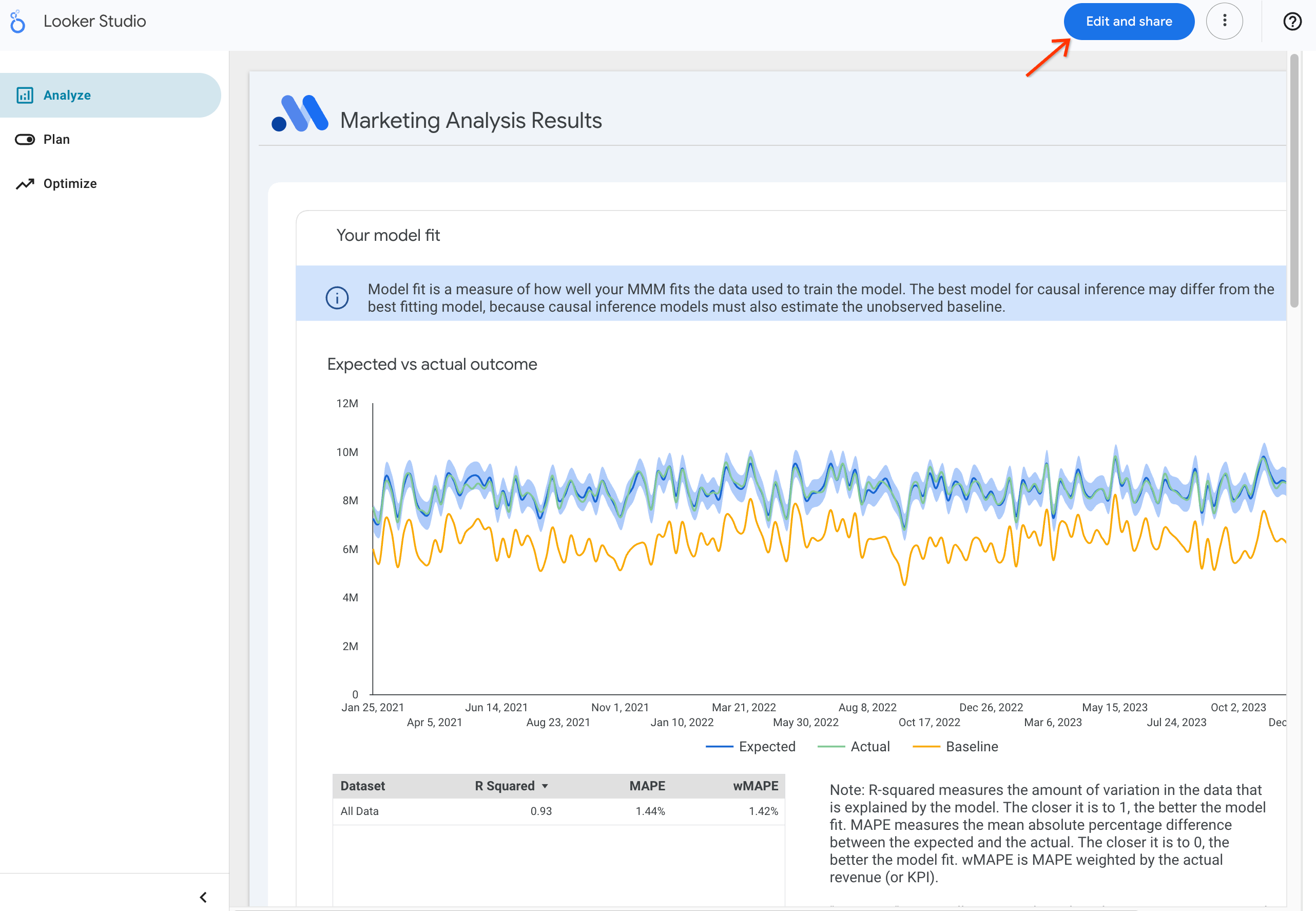
- Click the "Edit and share" button at the top of the page
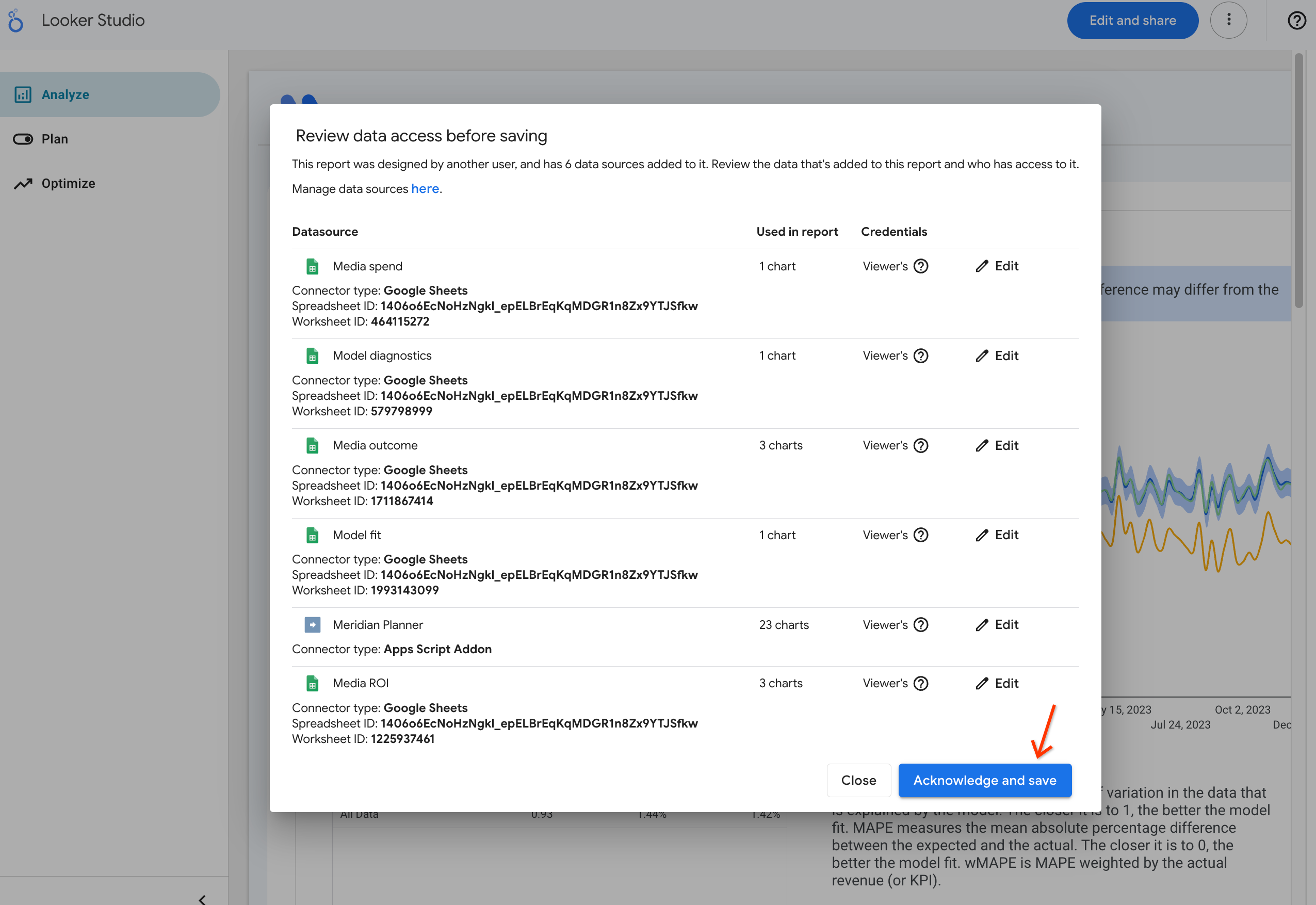
- Click the "Acknowledge and save" button in the pop up window
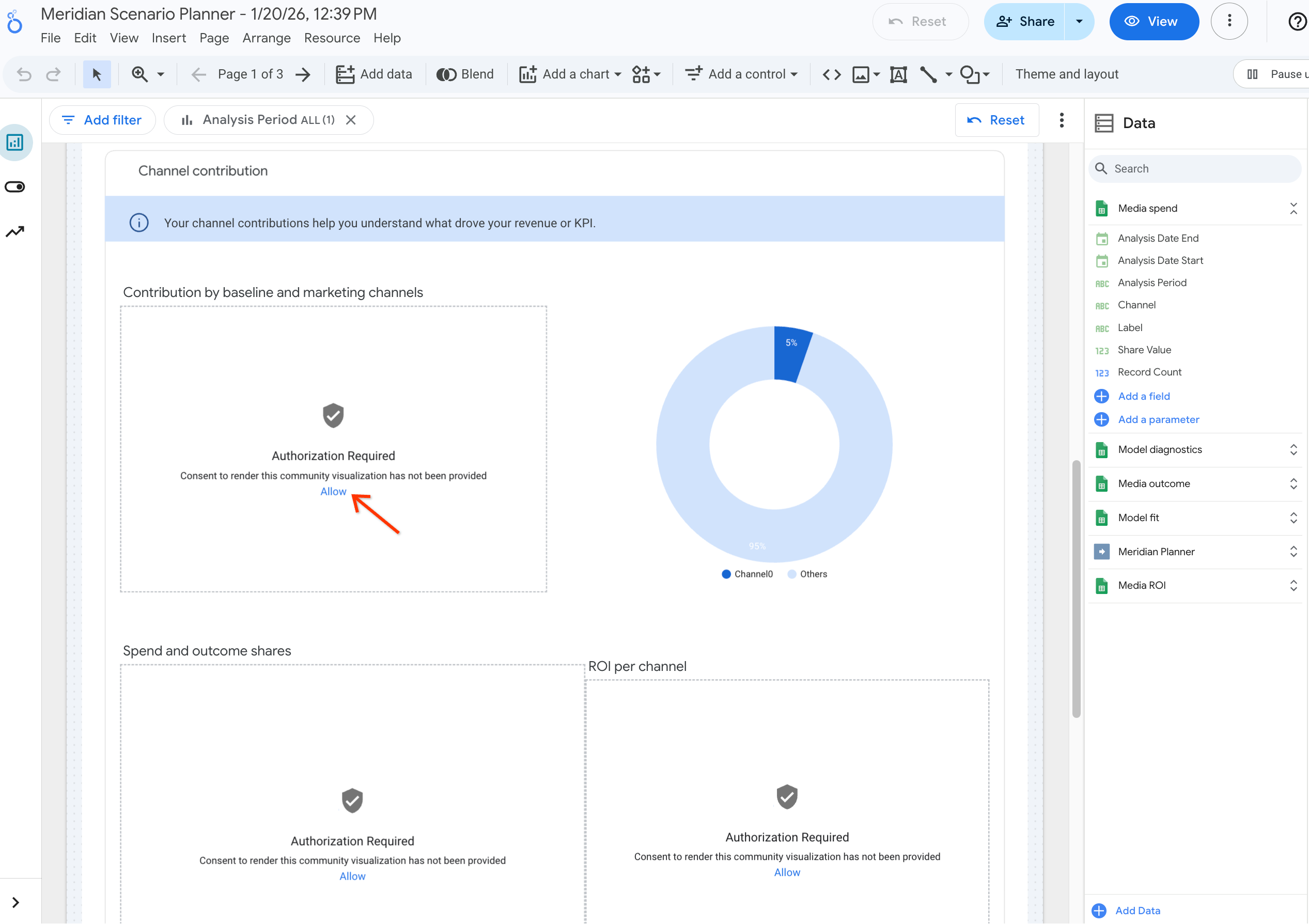
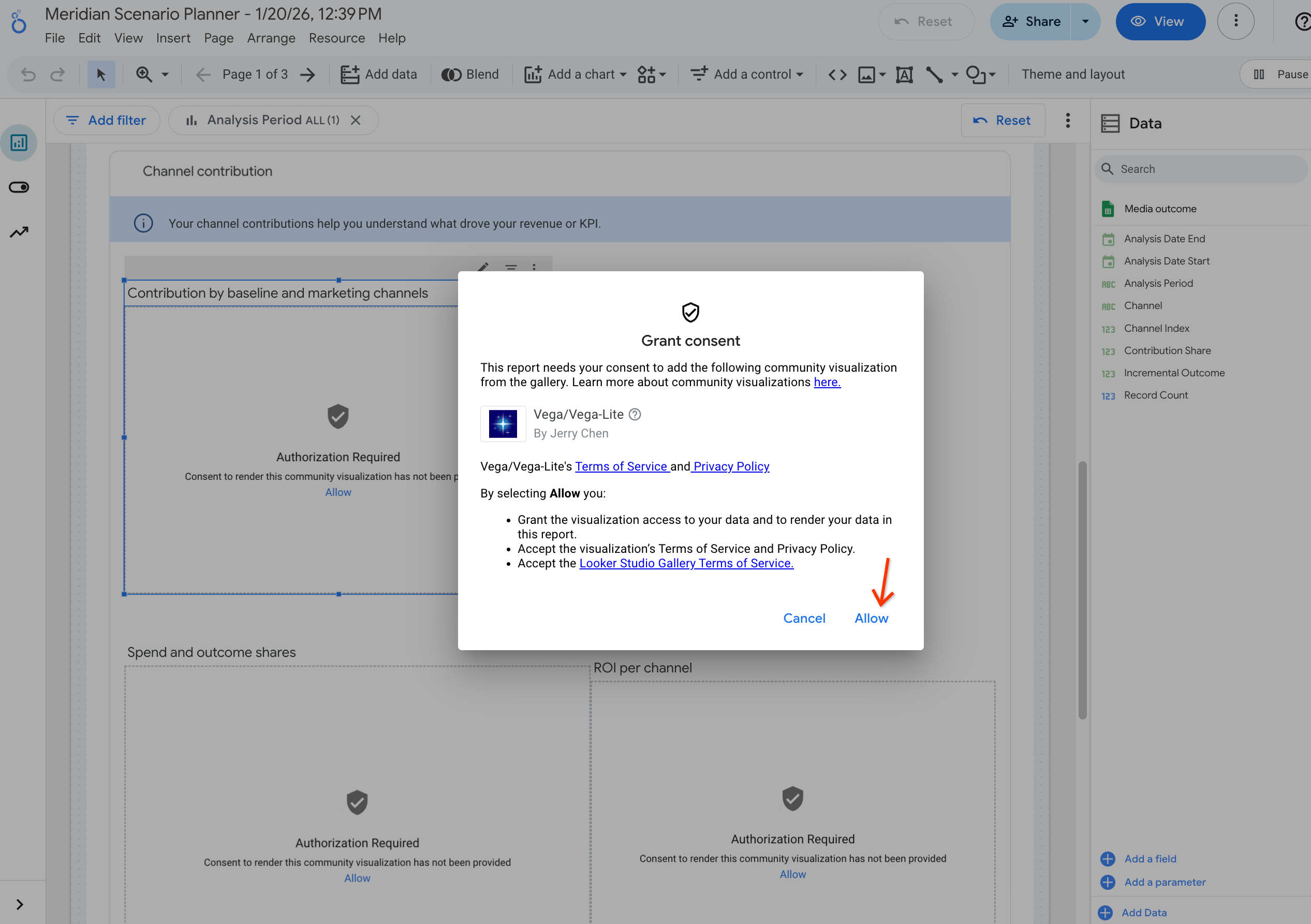
- Scroll to find the charts that require authorization and click the "Allow" text
- In the pop up window, click the "Allow" button to grant consent to the community visualization
- Refresh the page and the charts should display correctly
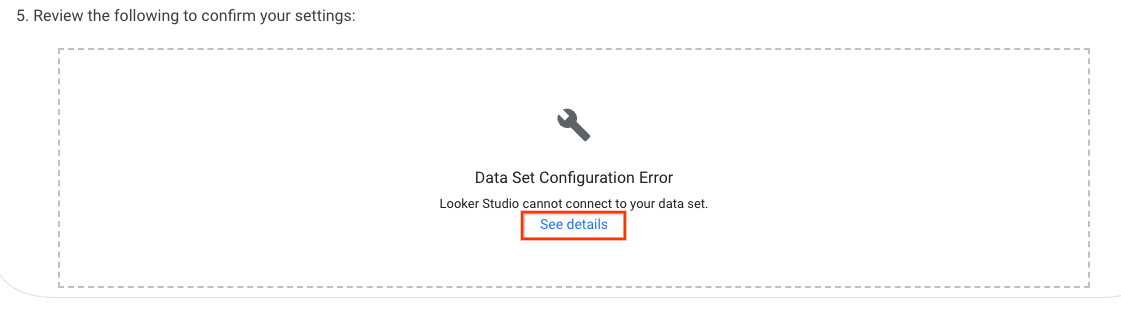
I am encountering a "Data Set Configuration Error" on the "Plan" page.
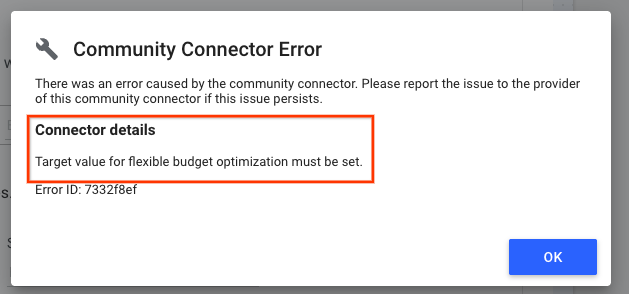
Usually, this is caused by an infeasible scenario setup. Click "See details" to get more insight into the error. If you encounter any issues that you are unable to resolve while using the tool, report the issue using the user feedback form.
The Colab is stuck at the "Generate dashboard" section or it takes too long to generate.
The performance of scenario generation varies depending on the model size, time granularity, and hardware selection. If you are experiencing long processing times, try reducing the granularity or limiting the reach and frequency range if enabled. If there is still no improvement or the running cell is continuously crashed, report the issue using the user feedback form. To help us resolve your issue in depth, we will need detailed information on how to reproduce the error.