

本页介绍了 Google Chat 应用如何发送消息来回复用户互动。
-
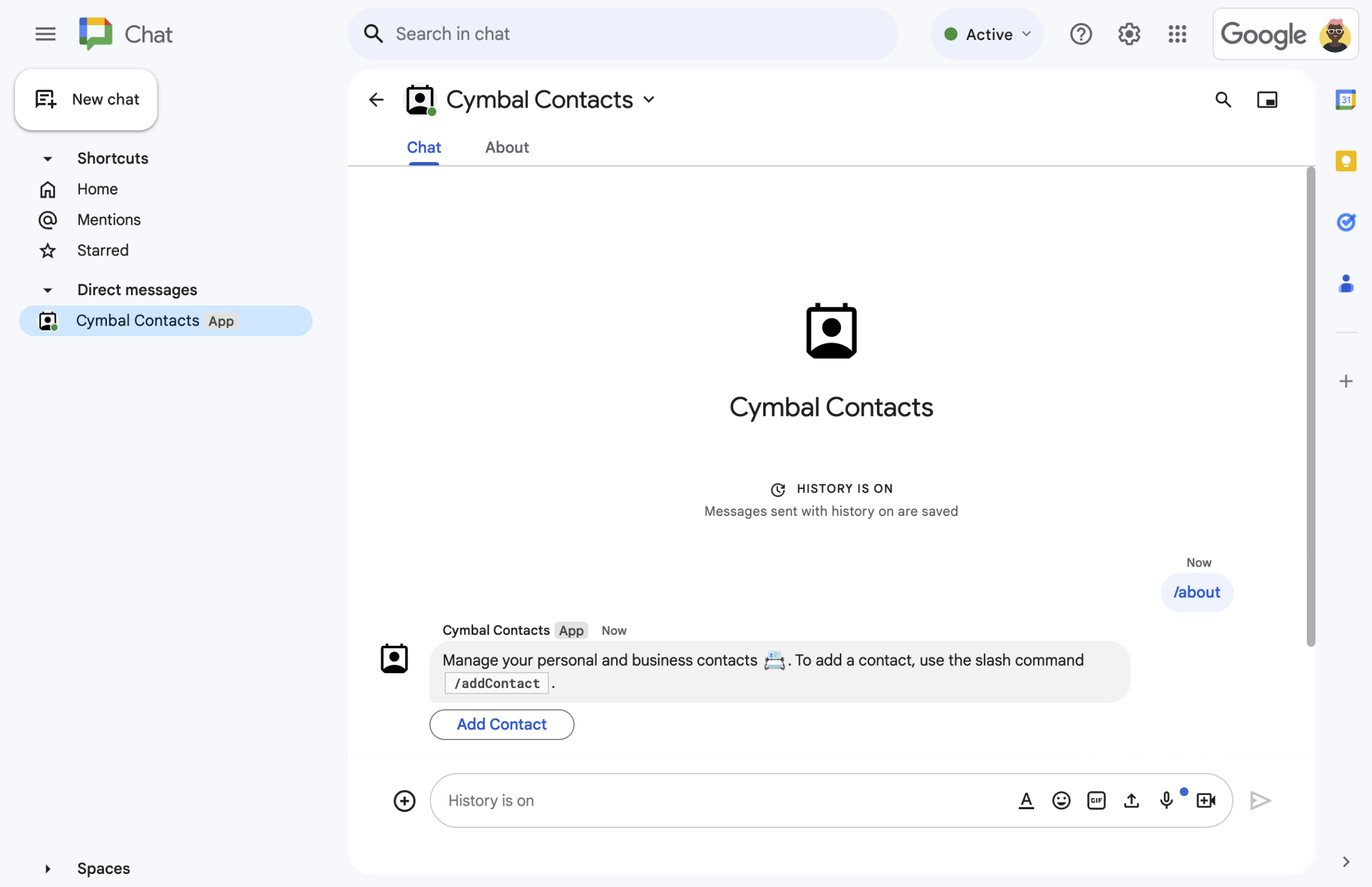
A 聊天应用通过文本消息和按钮对斜杠命令做出响应。
-
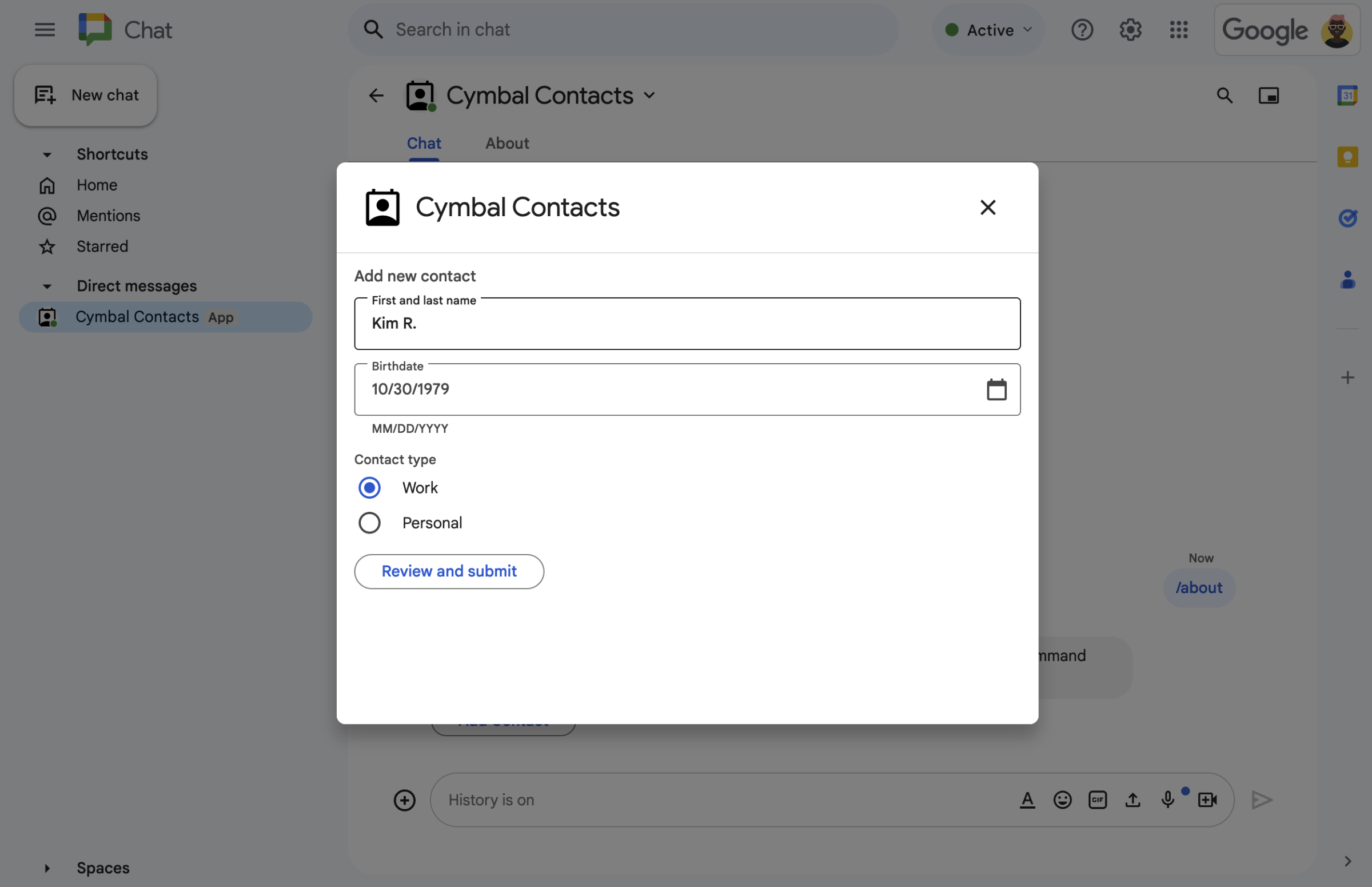
聊天应用会打开一个对话框,供用户输入信息。
-
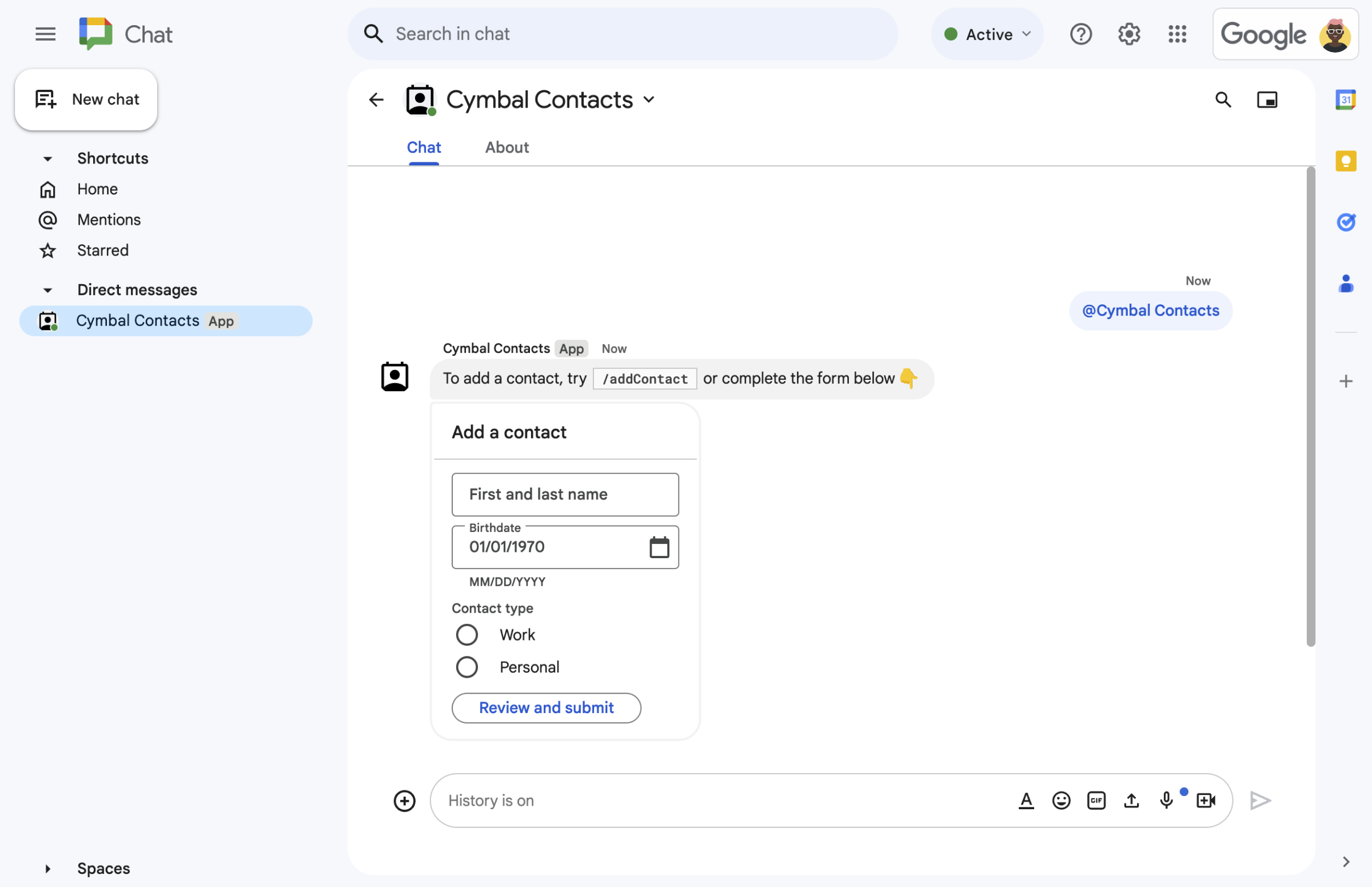
Chat 应用发送包含文本和交互式卡片的消息。
前提条件
HTTP
扩展 Google Chat 的 Google Workspace 加载项。如需构建一个,请完成 HTTP 快速入门。
Apps 脚本
扩展 Google Chat 的 Google Workspace 加载项。如需构建一个,请完成 Apps 脚本快速入门。
设计消息
聊天应用可以在消息中包含以下任何内容:
- 包含超链接、@提及和表情符号的文本。
- 一个或多个卡片,可以显示在消息中,也可以在新窗口中以对话框的形式打开。
- 一个或多个辅助 widget,即显示在消息中的任何文本或卡片之后的按钮。
如需了解如何设计消息,请参阅以下 Google Chat API 文档:
使用信息回复
聊天应用可以针对以下任何触发条件或互动做出消息响应:
- 消息触发器,例如当用户用“@”提及或向 Chat 应用发送私信时。
- 添加到聊天室触发器,例如当用户从 Google Workspace Marketplace 安装 Chat 应用或将其添加到聊天室时。
- 消息或对话框中卡片的按钮点击次数。例如,当用户输入信息并点击提交时。
否则,Chat 应用可以通过调用 Google Chat API 来主动发送消息。
如需回复消息,请返回包含 CreateMessageAction 对象的 DataActions 操作:
{ "hostAppDataAction": { "chatDataAction": { "createMessageAction": {
  "message": MESSAGE
}}}
将 MESSAGE 替换为 Chat API 中的 Message 资源。如需详细了解操作的运作方式,请参阅聊天操作。
在以下示例中,每当 Chat 应用被添加到聊天室时,它都会创建并发送一条短信。如需在用户将您的 Chat 应用添加到聊天室时发送短信,您的 Chat 应用应通过返回操作 DataActions 来响应已添加到聊天室触发器:
Node.js
/**
 * Sends an onboarding message when the Chat app is added to a space.
 *
 * @param {Object} req The request object from Google Workspace add-on.
 * @param {Object} res The response object from the Chat app.
 */
exports.cymbalApp = function cymbalApp(req, res) {
  const chatEvent = req.body.chat;
  // Send an onboarding message when added to a Chat space
  if (chatEvent.addedToSpacePayload) {
    res.json({ hostAppDataAction: { chatDataAction: { createMessageAction: { message: {
      text: 'Hi, Cymbal at your service. I help you manage your calendar' +
        'from Google Chat. Take a look at your schedule today by typing' +
        '`/checkCalendar`, or schedule a meeting with `/scheduleMeeting`. ' +
        'To learn what else I can do, type `/help`.'
    }}}}});
  }
};
Python
from flask import Flask, request, json
app = Flask(__name__)

@app.route('/', methods=['POST'])
def cymbal_app():
  """Sends an onboarding message when the Chat app is added to a space.

  Returns:
    Mapping[str, Any]: The response object from the Chat app.
  """
  chat_event = request.get_json()["chat"]
  if "addedToSpacePayload" in chat_event:
    return json.jsonify({ "hostAppDataAction": { "chatDataAction": {
      "createMessageAction": { "message": {
        "text": 'Hi, Cymbal at your service. I help you manage your calendar' +
        'from Google Chat. Take a look at your schedule today by typing' +
        '`/checkCalendar`, or schedule a meeting with `/scheduleMeeting`. ' +
        'To learn what else I can do, type `/help`.'
      }}
    }}})
Java
@SpringBootApplication
@RestController
public class App {
  public static void main(String[] args) {
    SpringApplication.run(App.class, args);
  }

  /*
   * Sends an onboarding message when the Chat app is added to a space.
   *
   * @return The response object from the Chat app.
   */
  @PostMapping("/")
  @ResponseBody
  public GenericJson onEvent(@RequestBody JsonNode event) throws Exception {
    JsonNode chatEvent = event.at("/chat");
    if(!chatEvent.at("/addedToSpacePayload").isEmpty()) {
      return new GenericJson() { {
        put("hostAppDataAction", new GenericJson() { {
          put("chatDataAction", new GenericJson() { {
            put("createMessageAction", new GenericJson() { {
              put("message", new Message().setText(
                "Hi, Cymbal at your service. I help you manage your calendar" +
                "from Google Chat. Take a look at your schedule today by typing" +
                "`/checkCalendar`, or schedule a meeting with `/scheduleMeeting`. " +
                "To learn what else I can do, type `/help`."
              ));
            } });
          } });
        } });
      } };
    }
  }
}
Apps 脚本
/**
 * Sends an onboarding message when the Chat app is added to a space.
 *
 * @param {Object} event The event object from Chat API.
 * @return {Object} Response from the Chat app.
 */
function onAddedToSpace(event) {
  return { hostAppDataAction: { chatDataAction: { createMessageAction: { message: {
    text: 'Hi, Cymbal at your service. I help you manage your calendar' +
          'from Google Chat. Take a look at your schedule today by typing' +
          '`/checkCalendar`, or schedule a meeting with `/scheduleMeeting`. ' +
          'To learn what else I can do, type `/help`.'
  }}}}};
}
该代码示例会返回以下短信:

如需查看有关如何使用消息进行回复的其他示例,请参阅以下指南:
更新消息
聊天应用还可以更新其发送的消息。例如,在用户提交对话框或点击消息中的按钮后更新消息。
如需更新 Chat 应用消息,请返回包含 UpdateMessageAction 的操作 DataActions,如以下示例所示:
{ "hostAppDataAction": { "chatDataAction": { "updateMessageAction": {
  "message": MESSAGE
}}}}
将 MESSAGE 替换为 Chat API 中的 Message 资源。
如需详细了解操作的运作方式,请参阅聊天操作。
聊天应用还可以更新用户发送的消息,以返回用户发送的链接的预览。如需了解详情,请参阅在 Google Chat 消息中预览链接。
使用 Google Chat API 回复互动或发送主动消息
Chat 应用可能需要使用 Google Chat API 来响应互动,而不是返回加购项操作。例如,Chat 应用必须调用 Google Chat API 才能执行以下任何操作:
- 按计划发送消息,或发送有关外部资源变更的消息。例如,有关新问题或支持请求的通知。
- 在互动后 30 秒以上回复。例如,在完成长时间运行的任务后,使用消息进行响应。
- 在互动发生的聊天室之外发送消息。
- 代表 Chat 用户发送消息。
如需使用 Chat API 发送消息,您必须设置身份验证并对 Message 资源调用 create() 方法。如需了解相关步骤,请参阅使用 Google Chat API 发送消息。
相关主题
- 构建 Google Chat 界面
- 响应快速指令
- 响应斜杠命令
- 打开互动式对话框
- 从 Google Chat 用户那里收集信息
- 预览 Google Chat 消息中的链接
- 使用 Google Chat API 发送消息