Join us for our next
Google Maps Platform Developer Community Day in San Francisco in December!
Apply now to attend.
Configure marker altitude
Stay organized with collections
Save and categorize content based on your preferences.
Select platform:
Android
iOS
You can customize the
altitude
of
markers that you add to a 3D map.
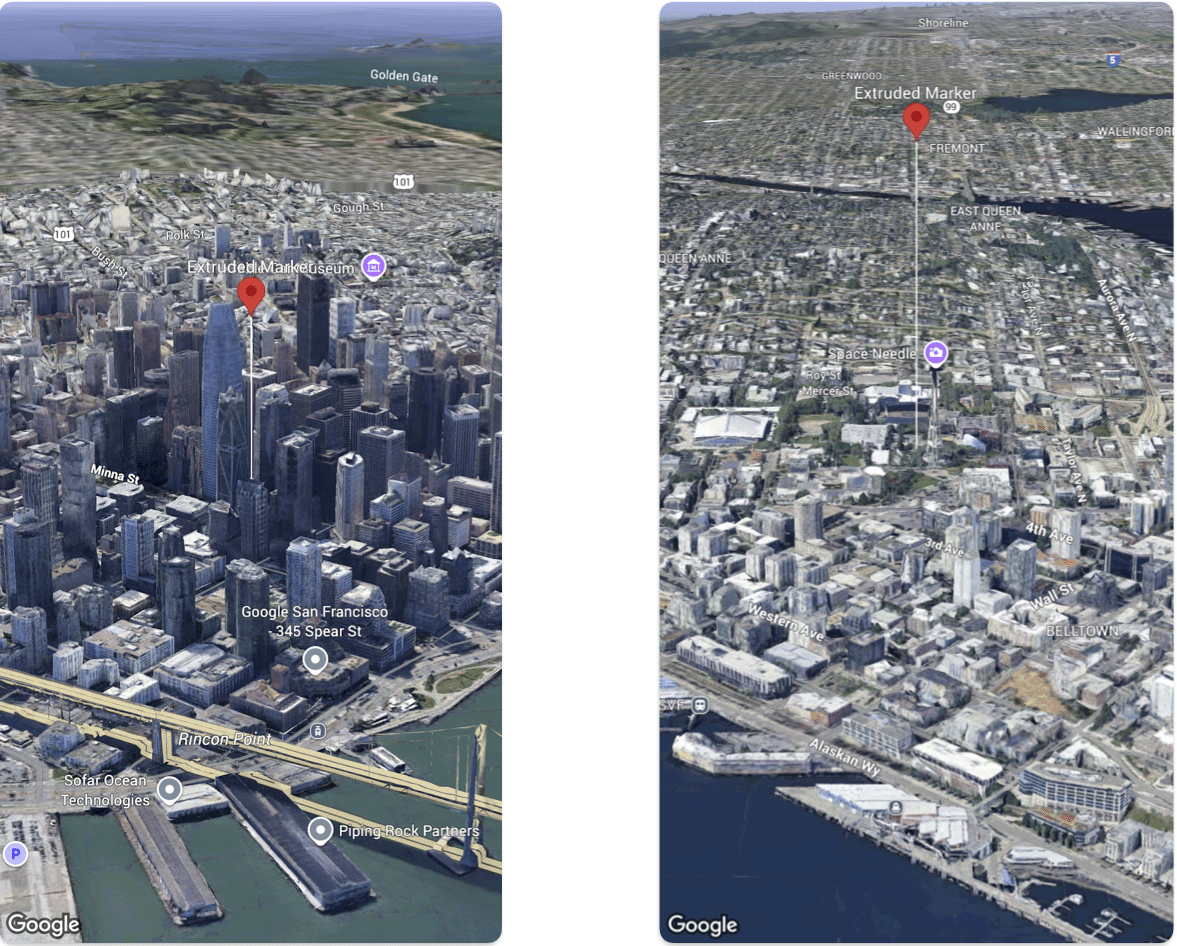
The following code sample demonstrates how to set the altitude and altitude mode
of a Marker3D.
@State var extrudedMarker: Marker3D = .init(
  position: .init(
      latitude: 37.78980534,
      longitude:  -122.3969349,
      altitude: 50.0),
  altitudeMode: .relativeToGround,
  collisionBehavior: .required,
  extruded: true,
  drawsWhenOccluded: true,
  sizePreserved: true,
  zIndex: 0,
  label: "Extruded marker"
)
Except as otherwise noted, the content of this page is licensed under the Creative Commons Attribution 4.0 License, and code samples are licensed under the Apache 2.0 License. For details, see the Google Developers Site Policies. Java is a registered trademark of Oracle and/or its affiliates.
Last updated 2026-10-21 UTC.
[null,null,["Last updated 2026-10-21 UTC."],[],[]]
