عند استخدام خريطة متجهة في Android أو iOS أو JavaScript، تستخدم المباني نمط ثلاثي الأبعاد بدءًا من مستوى التكبير/التصغير 17 والإصدارات الأحدث تلقائيًا. إذا كنت تريد عرض المخططات التفصيلية الثنائية الأبعاد للمباني فقط للحصول على مظهر أكثر وضوحًا، اختَر نمط المخططات التفصيلية.
ضبط تصميم المبنى
كبِّر الخريطة بما يكفي لرؤية المباني المعروضة.
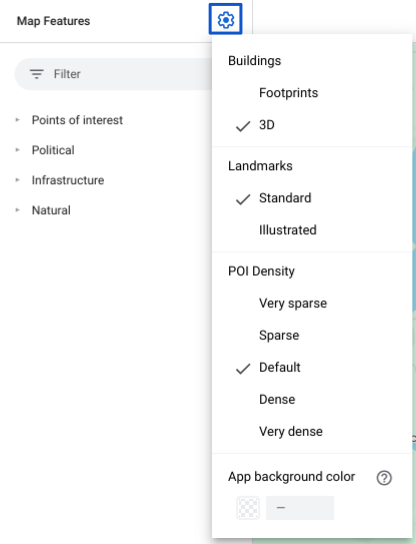
في لوحة ميزات الخريطة، انقر على رمز settings
الترس لفتح قائمة إعدادات الخريطة.
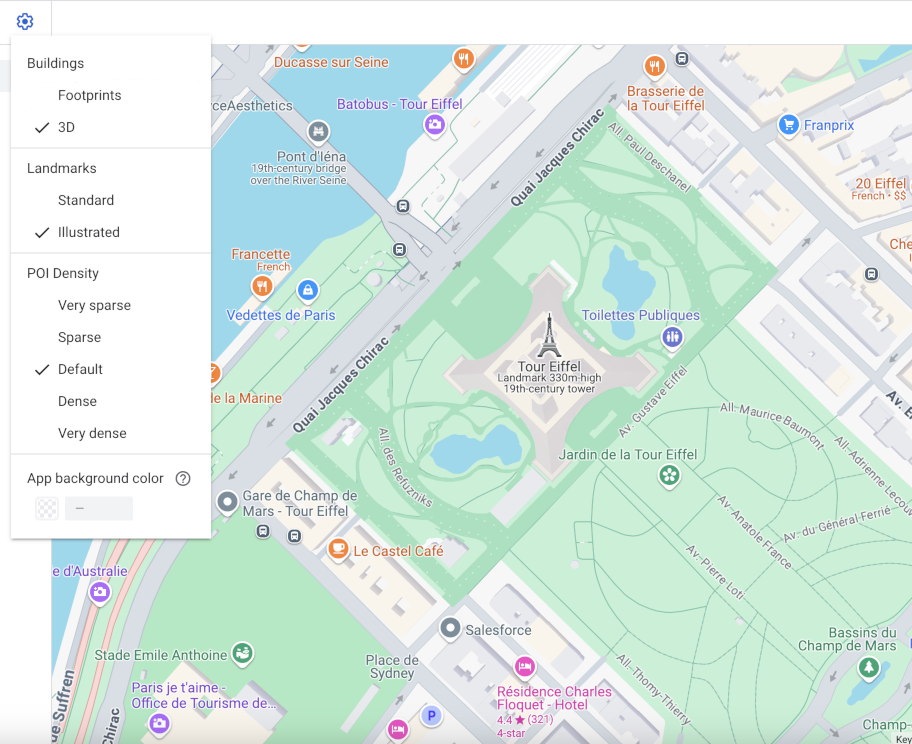
لعرض المباني بمخطط ثلاثي الأبعاد، انقر على عرض ثلاثي الأبعاد:
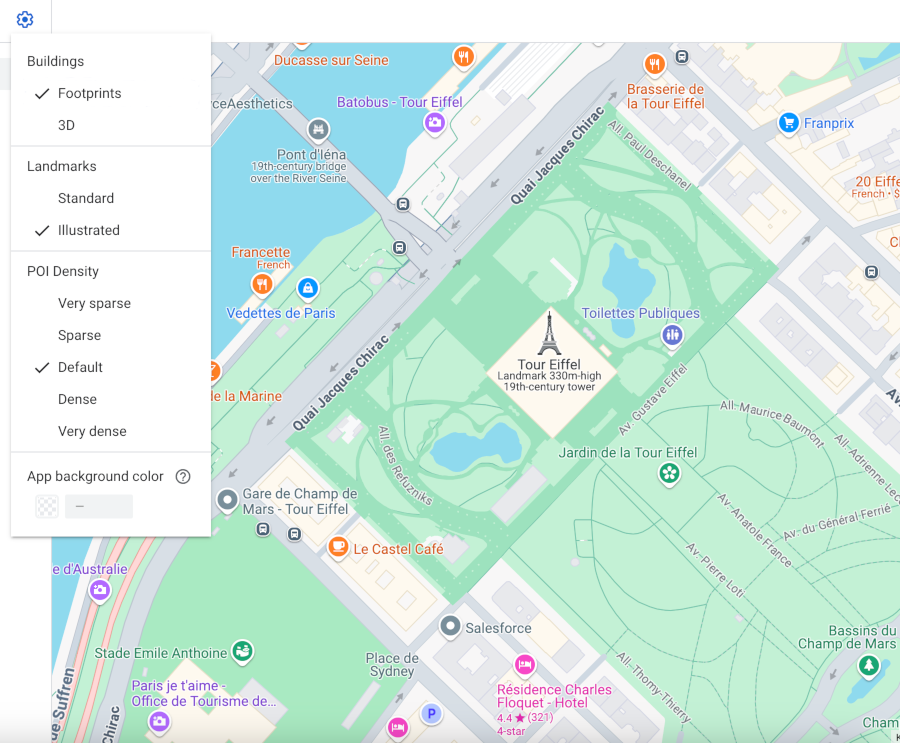
لعرض المباني مع مساحة أرضية ثنائية الأبعاد، اختَر المساحات الأرضية:
تاريخ التعديل الأخير: 2026-09-19 (حسب التوقيت العالمي المتفَّق عليه)
[null,null,["تاريخ التعديل الأخير: 2026-09-19 (حسب التوقيت العالمي المتفَّق عليه)"],[],["Vector maps on Android, iOS, and JavaScript offer two building styles: 3D and Footprints. 3D style, enabled by default at zoom level 17 and higher, displays buildings with a 3D outline; stroke customization is unavailable. Footprints style shows 2D building outlines. To change the style, access the Style Editor, select the \"Buildings\" feature under \"Landscape, Human-made,\" and choose either 3D or Footprints. Color customizations for fill and stroke are available for both types, excluding stroke for the 3D style.\n"]]